
Role-based suggestions
The Asset Dashboard suggests assets that fit the person using it. Open your profile from the avatar menu in the top-right corner. It has three tabs: Profile, Suggested assets and Connect Joule Work.
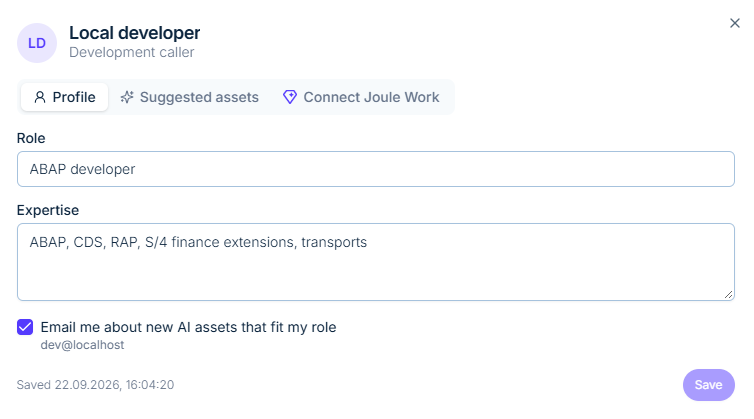
Profile
| Field | What to enter | Example |
|---|---|---|
| Role | Your job, in your own words | ABAP developer |
| Expertise | The areas you work in | ABAP, CDS, RAP, S/4 finance extensions, transports |
Tick Email me about new AI assets that fit my role to be told when something relevant is published. The email goes to the address on your account. Press Save; the dialog shows when the profile was last saved.
Suggested assets
Based on your role and expertise, this tab lists the agents, MCP servers and skills most likely to be useful to you, so an ABAP developer sees ABAP tooling first rather than scrolling through the whole catalogue.
Connect Joule Work
Connect your Joule Work account so that assets you install are available where you already work. Compatible assets can also be used from the Joule digital assistant and other clients; see Discover & install.